Sweep your camera roll clean.
Find duplicates, screenshots and near-identical shots, then clear them in a tap. Everything happens on your iPhone, and your photos never leave it.
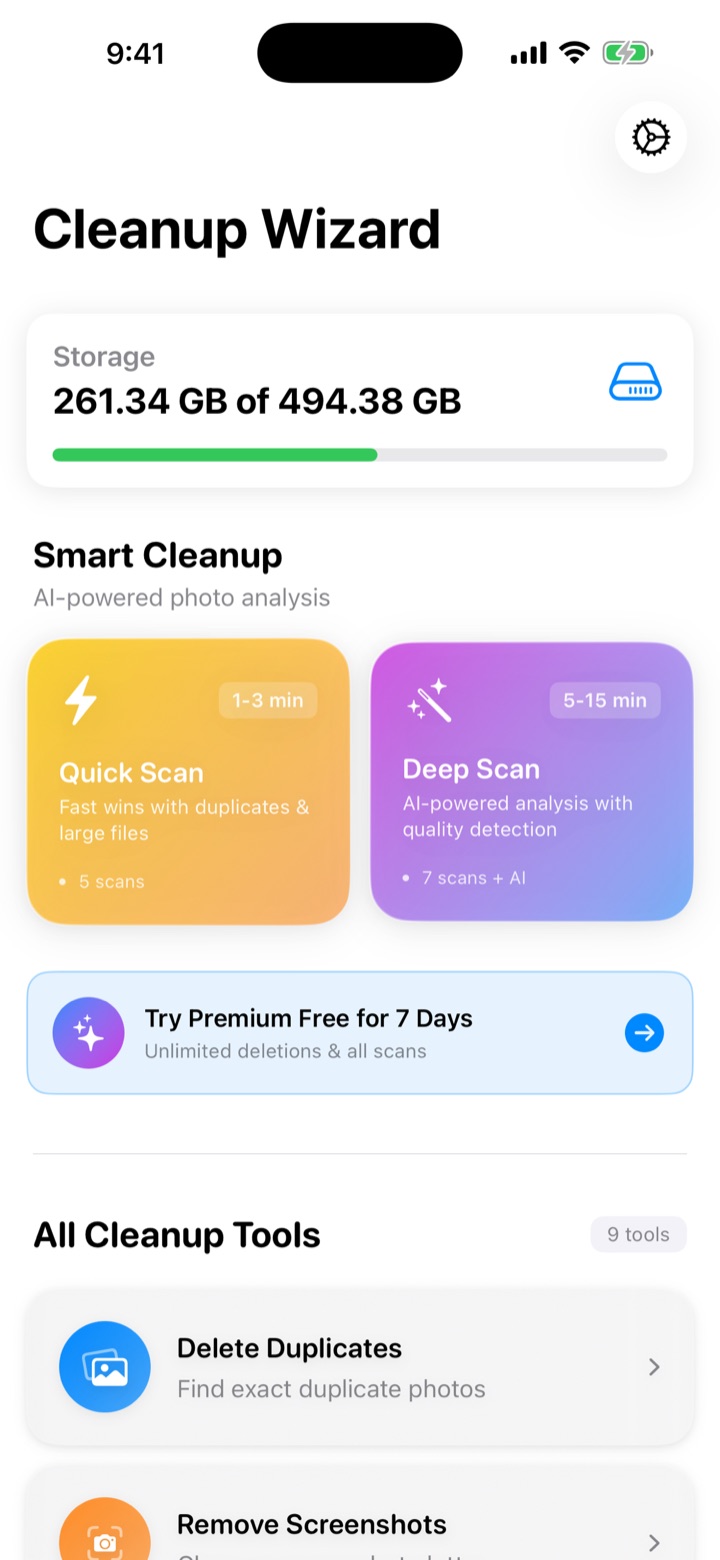
One sweep. Everything you don't need.
Cleanup Wizard groups what's redundant, shows you exactly what it will remove, and keeps the best copy of each.
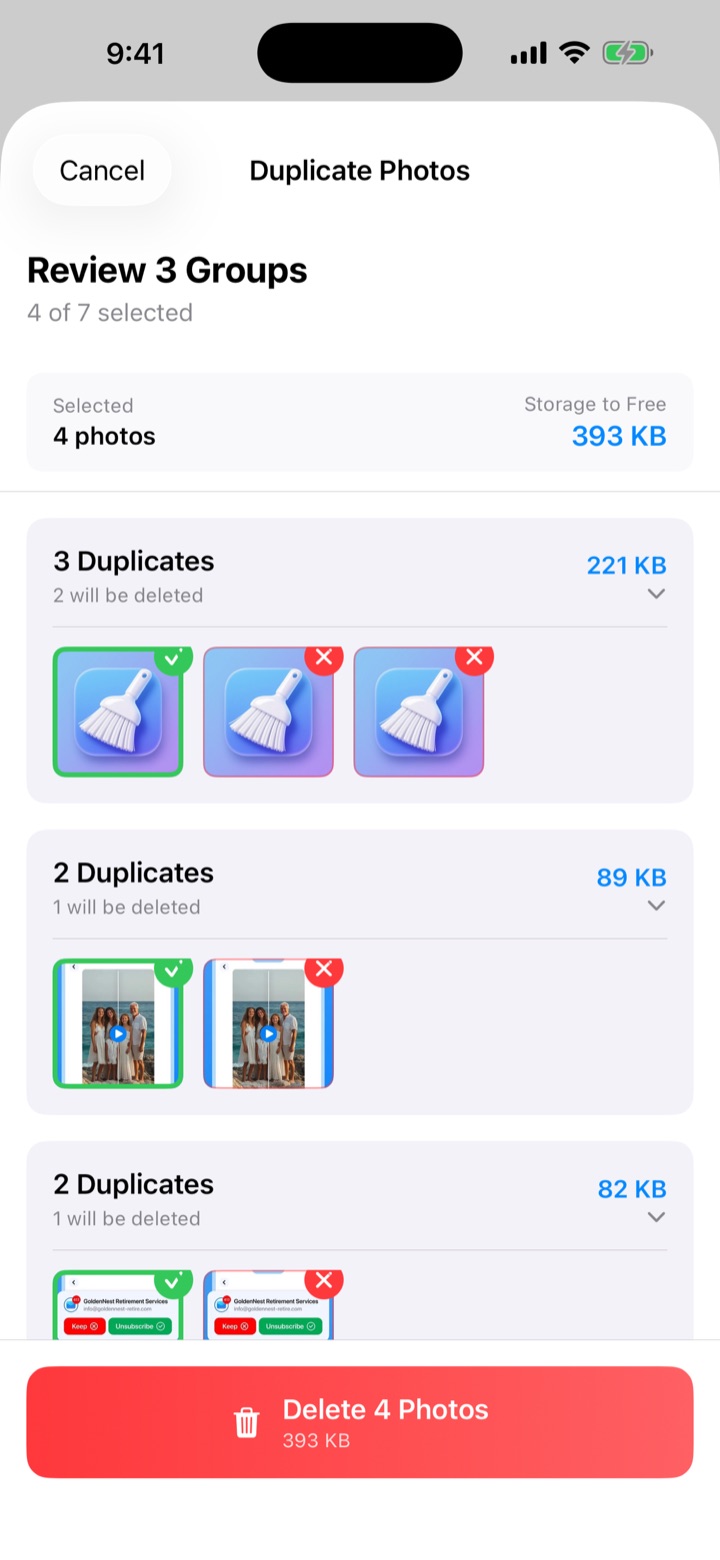
Duplicates, grouped and ready to review
Every group shows what stays and what goes. Change any pick before you delete, and see the storage you'll free up as you go.
Quick Scan
Fast wins on duplicates and large files, in about 1–3 minutes.
Deep Scan
Goes further with AI analysis and quality detection, in about 5–15 minutes.
Screenshots
Clear out old screenshots and similar shots without hunting through your library.
Scan. Review. Clear.
Scan
Pick Quick or Deep Scan. It runs on your iPhone with live progress.
Review
See each group, with the best copy kept and the rest marked for removal. Adjust anything you like.
Clear
Delete in one tap. Removed photos land in Recently Deleted, so nothing is gone the moment you tap.
Your photos never leave your phone.
All photo analysis happens directly on your device. We never upload your photos or send them to any server.
- On-device processing
- Photos never uploaded
- You're in control of every deletion

A cleaner camera roll
is one sweep away.
Free to start. Try Premium free for 7 days.